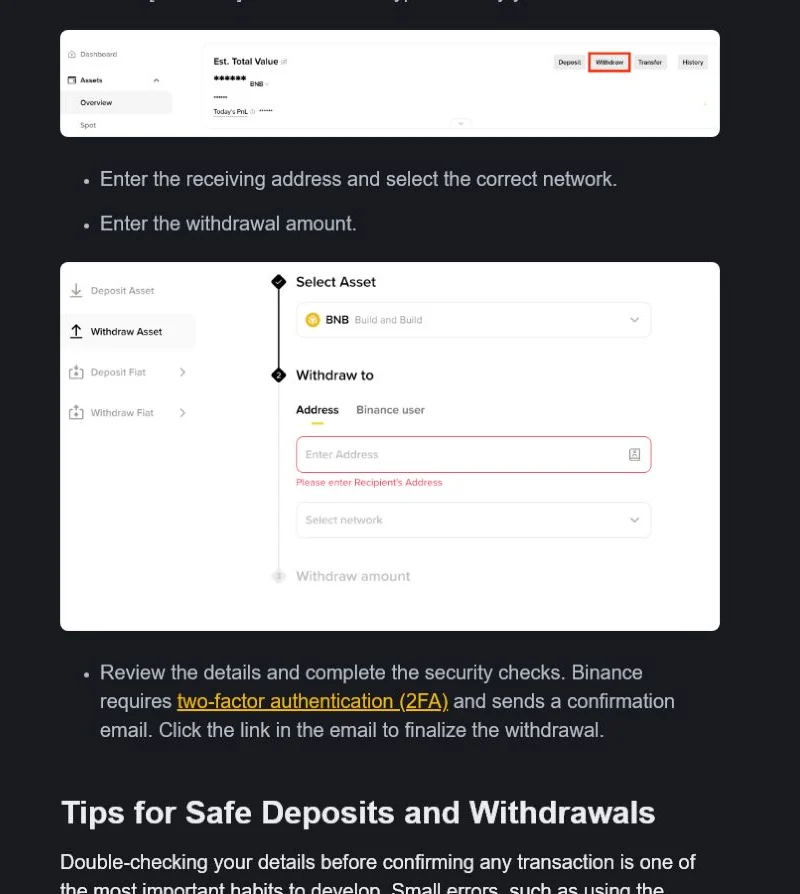
Withdrawal restriction security change, risk review, network suspension ya account notice se ho sakti hai. Unlock time ya Pakistan availability ka promise na karein.
Foran safety action
- Credentials share na karein
- Restriction bypass service ko PKR payment na dein
Aam signs
- Withdraw button disabled
- Risk-control message
- Specific network suspended
Evidence save karein
- Exact error screen
- Security activity list
- Asset and network status
Pakistan example
Pakistan user withdrawal disabled dekh kar fake recovery agent ko payment nahin karta; official account notice aur network status check karta hai.
Official Support route
- Official Binance Support
- Account security flow
Action steps
Message aur scope classify karein
Check karein restriction whole account par hai, specific asset/network par hai ya recent security action se linked hai.
Error wording, asset, network aur time recorded hain.
Random troubleshooting steps se security hold bypass na karein.
Official notice ke mutabiq correct category choose karein.
Security activity review karein
Recent password reset, 2FA change, new device aur risk alert inspect karein. Unknown activity ho to account secure karein.
Only known sessions remain aur security actions owner ne ki hain.
Compromise suspicion par withdrawal retry na karein.
Sessions revoke, password change aur official lock/support path follow karein.
Network aur Support evidence dein
Withdrawal status, network availability aur official message ke screenshots ke saath Support case banayein.
Case ID official app/site mein visible hai.
Agent guaranteed unlock ya fee maange to respond na karein.
Displayed review period ka wait karein; promised time invent na karein.
Agli baar bachao
- Security changes planned time par karein
- Network status transfer se pehle check karein
Start se pehle
- Exact restriction message visible
- Security activity access
- Target network status page available